Custom Canva Frame for Easter/Spring: Digitally Decorate with Ease
The tradition of decorating Easter eggs often brings to mind messy dyes, waxy crayons, and the inevitable cleanup. But what if you could capture that same creative spirit in a clean, digital format? For designers, marketers, and content creators, the Custom Canva Frame for Easter/Spring offers a sophisticated and playful solution. This collection of unique, custom frames is specifically shaped like egg segments, allowing you to digitally "decorate" by simply dragging and dropping your own images, videos, and patterns directly into the template. It’s a modern approach to a classic tradition, designed for the Canva environment.
A Designer's Toolkit for Seasonal Content
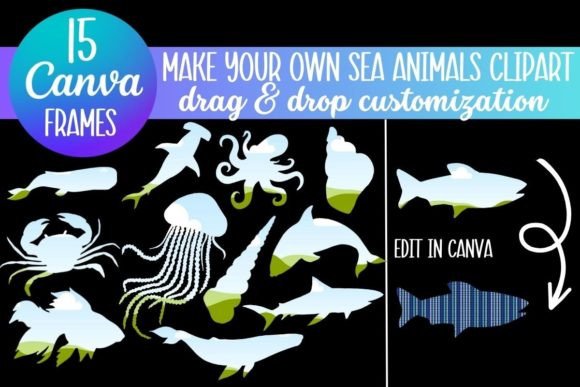
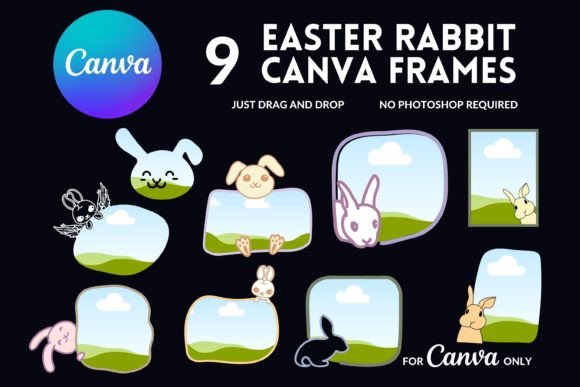
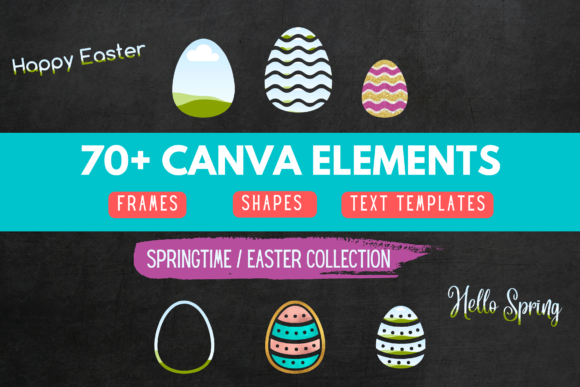
At its core, this asset is about creative flexibility. The package includes over 40 resizable shapes, each functioning as a custom Canva frame. These aren't just static images; they are interactive elements you can manipulate. Think of them as digital stencils for your social media graphics, blog headers, or party invitations. You can fill a frame with a family photo, a texture from your brand identity, a short video clip for an animated post, or a piece of digital paper/images to create a unique visual effect. The personality of the frames is inherently festive and spring-like—evoking new beginnings, celebration, and creativity—without being tied to a single, rigid style.
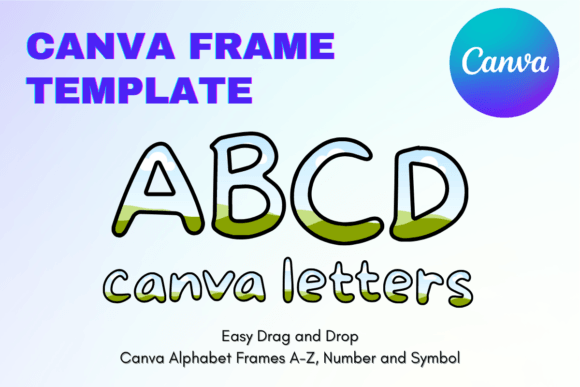
Beyond the shapes, the inclusion of 7 resizable text phrases in different fonts is a significant practical value. Phrases like "Happy Easter" and "Hello Spring" are provided as their own custom frames. This means you can apply the same drag-and-drop technique to your wording. Decorate the text with a floral pattern, a solid brand color, or even a subtle gradient. This elevates the asset from a simple set of shapes to a comprehensive design asset for cohesive seasonal campaigns. The fact that it works seamlessly in both the free and paid versions of Canva removes a major barrier, making it accessible to everyone from solo bloggers to agency designers.
Practical Applications Beyond the Obvious
While perfect for personalizing a child's Easter celebration or creating a festive social media post, the utility of these custom Canva frames extends further. For small business owners and entrepreneurs, they offer a quick way to create professional-looking seasonal promotions. A boutique could frame product shots within the egg segments for an Instagram story series. A bakery could use them to highlight different spring menu items on a Facebook ad. The visual hierarchy is built-in: the egg shape draws the eye, and the frame focuses attention on the content you place inside.
For crafters and hobbyists, this is a gateway to digital card making and scrapbooking. You can design beautiful, personalized digital cards without needing advanced software. The frames provide structure, while your choice of image or pattern provides the personal touch. Publishers and content creators can use them to generate thematic header images for blog posts about spring recipes, gardening tips, or holiday activities, ensuring visual consistency across their content calendar. The frames act as a unifying design asset, bringing a recognizable seasonal flair to various projects.
Integrating Frames into Your Design Workflow
Using these frames effectively is straightforward, but a few professional considerations can elevate your results. First, think about font pairing. The provided text frames are in various styles. If you use a script font for "Happy Easter," pair it with a clean, modern sans-serif for any additional body text in your design. This creates contrast and improves readability. The frames themselves are neutral containers; the mood is set by what you put inside and the typography you choose around them.
When evaluating fit, consider the overall tone of your project. These frames are ideal for playful, celebratory, and family-oriented themes. They might not suit a serious corporate report, but they are perfect for a brand's spring sale announcement or a community event flyer. For web design, you could use them to create custom bullet points or section dividers on a spring-themed landing page. In editorial design, they could frame pull quotes or author photos in a seasonal magazine feature.
Always test your compositions. Place your chosen image or video into the frame and zoom out to check the overall balance. Does the content get lost, or does it stand out? Adjust the frame's color if possible, or add a subtle shadow to lift it off the background. Remember, the goal is to use the frame to enhance your message, not overshadow it. This asset is a tool for efficiency and creativity, allowing you to produce polished, seasonal visuals quickly, which is invaluable for maintaining a consistent and engaging presence across your digital and print projects.